

TL;DR: The best business fitness accounting software for personal trainers depends on what stage your biz is in. We’ll review 6 of the top platforms and go over how to choose based on where you’re at.
You’ve got a lot on your plate as a personal trainer. Custom workout plans, scheduling, marketing… business is booming, and so is your to-do list!
This is a good problem to have. But staying on top of everything gets trickier the more you grow, especially when you’re making money through training packages, individual sessions, and nutritional support (to name only a few ways).
Basically, you wear many hats, and each one of these hats comes with different billing needs. Tracking it all in a spreadsheet can be a fast lane to burnout (and missed income at tax time 😬).
That’s where accounting software comes in clutch. In this post, we’ll cover why it matters, how to choose the right fit, 6 platforms to check out, and how it all fits into your coaching stack. Let’s get into it!
(Note: All listed pricing is in USD and confirmed accurate at time of writing.)
What’s Inside
- Why Business Fitness Accounting Software Matters for Your Fitness Business
- How to Choose Accounting Software for a Personal Training Business
- The Best Business Fitness Accounting Software for Personal Trainers
- How ABC Trainerize and Accounting Software Work Together
- FAQs: Accounting Software for Personal Trainers
- Run Your Fitness Business Finances with Confidence with ABC Trainerize
Why Business Fitness Accounting Software Matters for Your Fitness Business
Financial management means tracking the money flowing in and out of your business — income, expenses, invoicing, taxes, the whole deal.
While monitoring finances may not be why you became a personal trainer, adopting a growth mindset around financial literacy is necessary for building a bulletproof business. 🙌
So, how exactly does accounting software help?
You’re probably running multiple revenue streams at once. A few clients on monthly memberships, a couple on 10-session packages, drop-ins from your in-person crew, maybe an on-demand content tier sprinkled in.
Billing runs on a different timeline for each one, and not every tool handles that mix equally well.
Dedicated business fitness accounting software does the heavy lifting that spreadsheets can’t:
- Get paid faster. Automated invoicing and online payments let clients pay you quickly.
- Look professional AF. Branded invoices reinforce your business identity and showcase your attention to detail.
- Handle late payments without awkward chasing. Automated reminders do it for you.
- Make tax time a breeze. Proper records help you comply with IRS regulations (and maximize your deductions) come April. 🙌
- Save time and energy. Maybe the most important thing on this list — the software handles boring tasks in less time. This frees you up to focus on coaching clients and growing your business.
📝 Read More: How to Navigate Tax Season for Personal Trainers
How to Choose Accounting Software for a Personal Training Business
There’s no universal “best.” Instead, there’s the best one for where you are right now. Here’s a quick framework to match the tool to your stage. 👇
Solo trainer just starting out
When it’s just you, simple wins. You need invoicing, expense tracking, and a clear way to see what came in and what went out each month. That’s it.
Free plans (hi, Wave 👋) can absolutely carry you for a while. However, it’s probably time to upgrade when you start needing things like bank feeds, payroll or financial reports to make decisions. If you’re under 10-15 clients, you probably don’t need anything fancy.
Growing studio or trainer with a team
The game changes once you’ve got contractors, employees, or multiple revenue streams running. Now you need:
- Payroll (or an add-on that handles it)
- Multi-user access so your bookkeeper or business partner can log in
- Reporting – profit and loss, cash flow, sales by service type, etc.
- Accountant compatibility – If you have an accountant, make sure they can easily access the platform!
📝 Read More: How to Calculate Profit Margin: A Guide For Personal Trainers
What to look for in a free trial
Most accounting tools offer a 14-30 day free trial. Don’t just poke around, though. It’s important to actually test the workflow you’ll use every week:
- Set up a bank feed. Connect your business account and see if your transactions sync up neatly.
- Run an invoice end to end. Create one, send it, and simulate getting paid. Was it painless?
- Pull a report. Generate a profit and loss report or sales summary. Does it tell you what you need to know upfront, or do you have to dig?
If the trial feels clunky for any of these steps, it’s probably time to move on. ✌️
📝 Read More: How Business Courses Can Take Your Personal Training Career to the Next Level
The Best Business Fitness Accounting Software for Personal Trainers
Here are the six top picks for personal trainers in 2026.
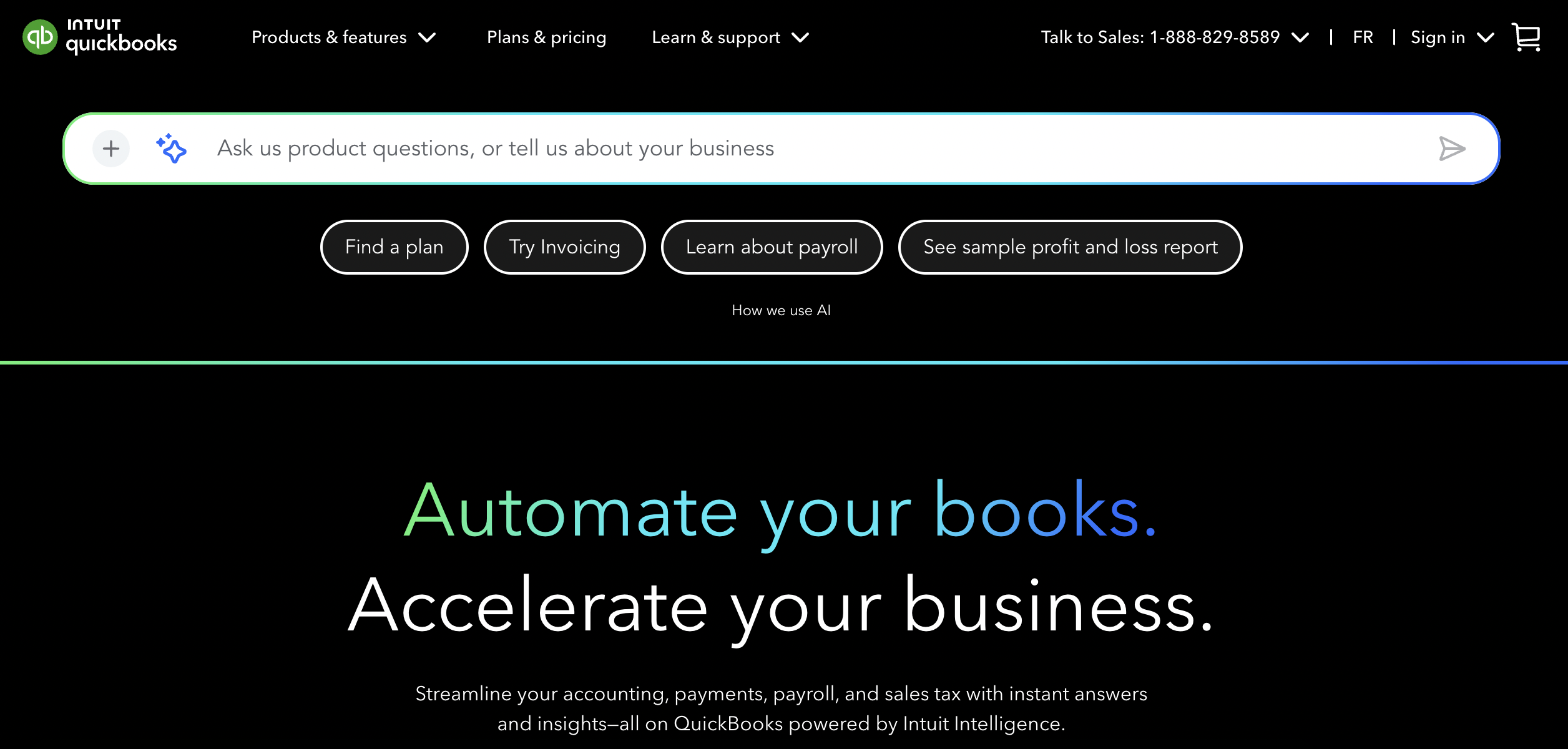
QuickBooks Online
QuickBooks is one of the most widely used accounting platforms for small businesses. Also, its user-friendly interface and well-rounded features makes financial tracking super simple. 🏅
Features:
- Invoicing
- Expense tracking
- Bank feeds and financial reports
- Mileage tracking
- Mobile app
- Payroll add-on, multi-currency on higher tiers
Pros:
- Easy for non-accountants to learn
- Integrates with personal training software like ABC Trainerize
Cons:
- Multiple pricing tiers limit some features like payroll and multi-currency support
- Advanced features have a learning curve
Pricing:
- Starts around $38/month for Simple Start, up to $275/month for Advanced
- Annual billing available
- Discounts often available for first three months
Best for: Solo trainers and small studios who want a widely supported, accountant-friendly tool.
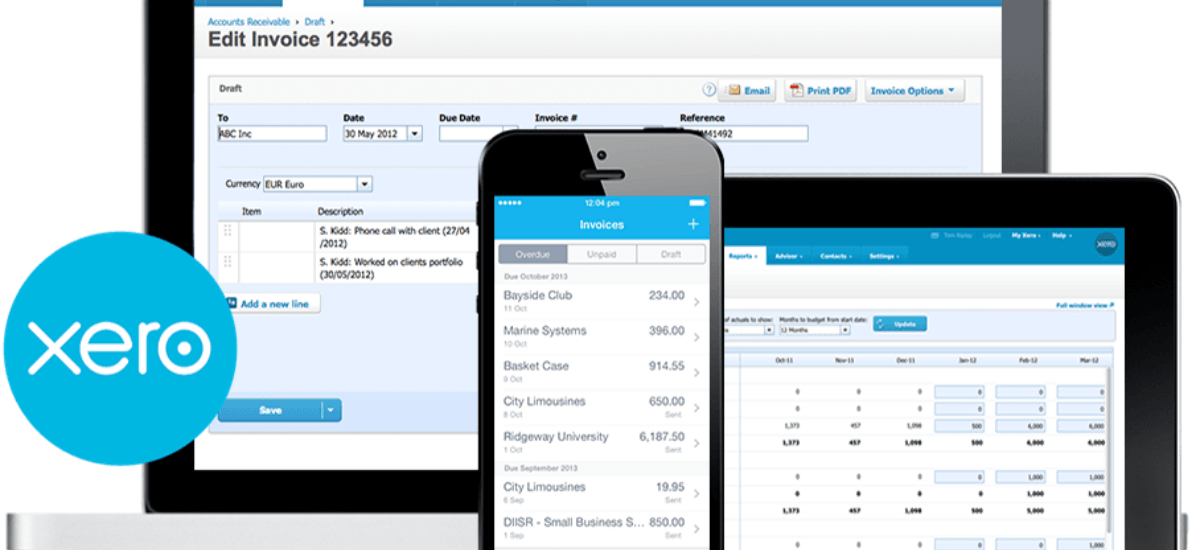
Xero
Xero is a modern, streamlined accounting platform built with freelancers, solopreneurs, and independent contractors (like personal trainers!) in mind.
Features:
- Invoicing
- Expense tracking
- Bank feeds and financial reporting
- Mobile app
- Multi-currency at higher tiers
- Built-in payroll or integrations with third party tools
Pros:
- Simple, mobile-friendly interface
- Lower priced Early plan for basics like invoicing and expense-tracking
Cons:
- Some features (like automations and multi-currency) sit behind higher tiers
Pricing:
- Around $25/month for Early, $55/month for Growing, $90/month for Established
- Discounts often available for first 3 months
Best for: Personal trainers operating as sole proprietors or single-person businesses, especially those in the early stages.
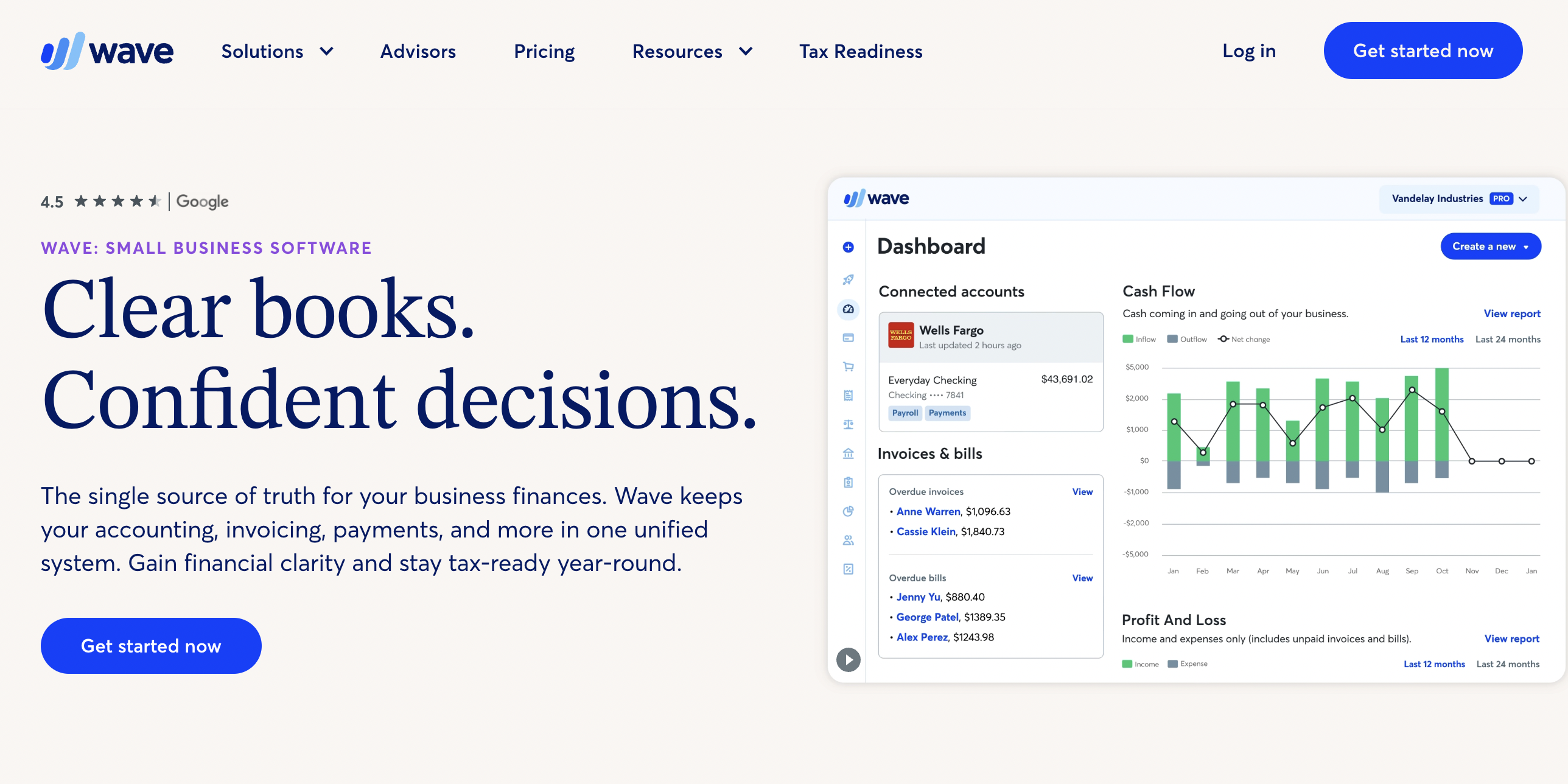
Wave
Wave is the “free actually means free” option, and it’s a legit pick for solo trainers just starting out.
Features:
- Invoicing
- Income and expense tracking
- Basic reports
- Bank feeds (paid plan)
- Receipt scanning (paid add-on)
- Payroll (paid add-on)
Pros:
- Completely free Starter Plan for basic invoicing and expense-tracking
- Easy to use
- Reusable message templates
Cons:
- Free version has limited features and integrations (AKA no online payments without add-on)
- Payroll and advanced features cost extra
Pricing:
- Starter Plan is $,0 Pro Plan starts around $19/month or $190/year
- Payroll add-on starts around $40/month, plus $6 per active employee or independent contractor paid
Best for: Solo trainers or small studios operating on lean budgets.
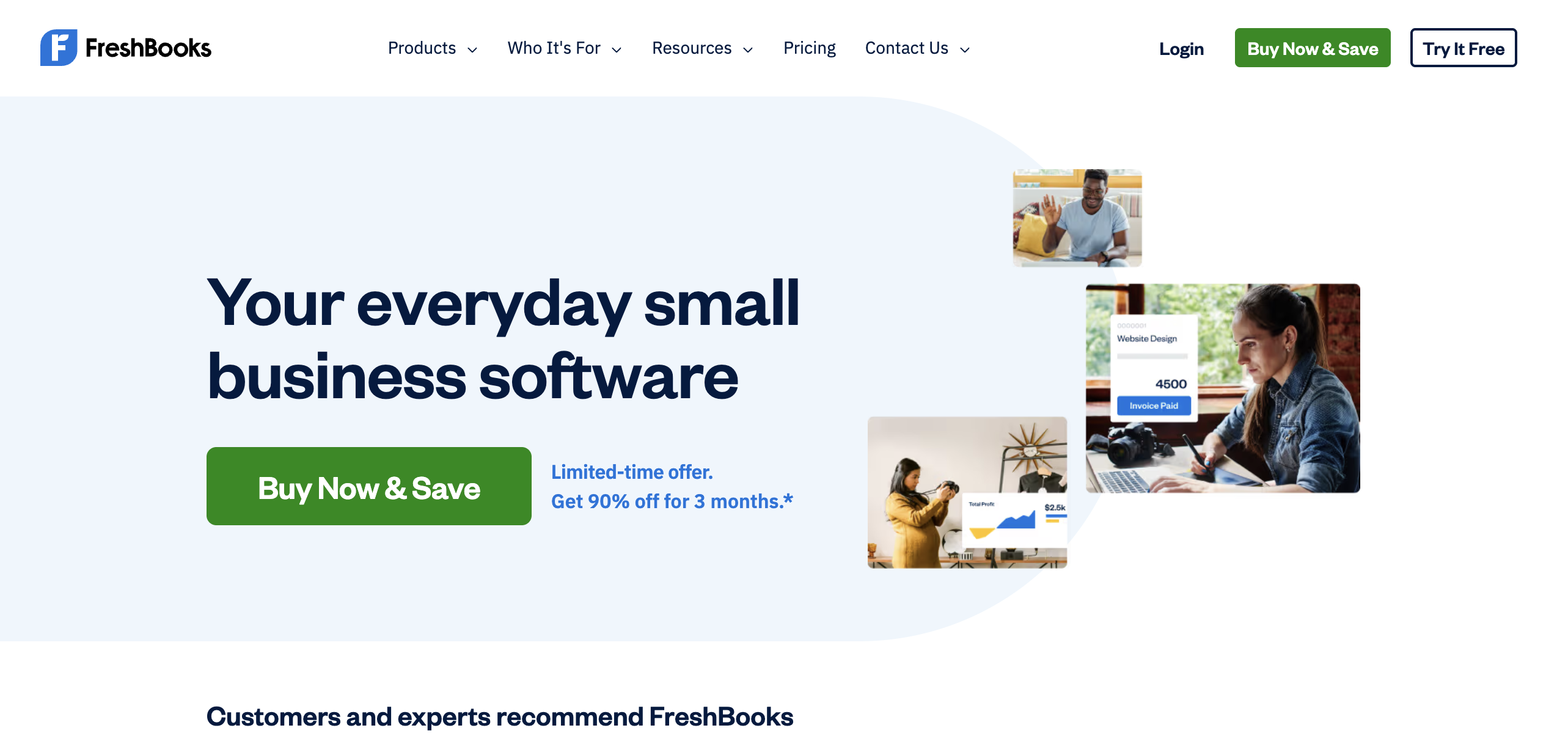
FreshBooks
FreshBooks is a user-friendly invoicing and accounting solution designed for service-based businesses, like personal training!
Features:
- Recurring invoicing
- Expense tracking
- Built-in time tracking
- Basic reporting
- Mobile app
- Payment processing
- Payroll add-on
Pros:
- Unlimited estimates and expenses on all standard plans
- Fully automated recurring invoices
- Simple look and feel
Cons:
- Paid add-ons for team members, advanced payments, and payroll
- Can’t remove FreshBooks branding on client emails without a higher tier
Pricing:
- Lite starts around $23/month, Plus around $43/month, Premium around $70/month
- Annual billing offers a discount
- Discounts often available for first 3 months
Best for: Solo trainers running mostly membership or recurring-package models.

Sage
Sage offers a scalable set of tools designed to support the needs of small businesses across different industries, like fitness. 💪
Features:
- Invoicing
- Expense tracking
- Bank feeds
- Inventory tracking
- Multi-currency (depending on region)
- Financial reporting
- Payroll add-on
Pros:
- Strong customer support and learning resources
- Scales well as you add locations or team members
- Built-in inventory features
Cons:
- Sage Business Cloud Accounting (SBCA) has been retired in the US, so US users will need to use the more expensive Sage 50 platform instead
- Plans are more expensive than other options listed here
Pricing:
- Sage 50 starts around $128.67/month or $1,413/year for their Pro Accounting plan, up to $271.17/month or $2,841/year for Quantum Accounting
- Minimum 1-year commitment required on most plans
Best for: Growing studios or coaches expanding into multiple locations.

Zoho Books
Zoho Books is part of the larger Zoho ecosystem, which is a big plus if you’re already using Zoho CRM or Google Workspace.
Features:
- Invoicing
- Expense tracking
- Inventory
- Financial reports
- Automation workflows
- Mobile app
- Multi-currency at higher tiers
Pros:
- Excellent automations (set-it-and-forget-it billing!)
- Tight integration with Google Workspace and the Zoho suite
- Generous free tier for solopreneurs and microbusinesses
Cons:
- User limits per tier
- Some features only live in higher plans
- Works best if you have the full Zoho suite
Pricing:
- Free tier for 1 user + 1 accountant
- Paid plans from around $20/month or up to $275/month for Ultimate, billed monthly. Annual billing available.
Best for: Solo trainers and small studios deep in the Google Workspace or Zoho ecosystem.
How ABC Trainerize and Accounting Software Work Together
Accounting software and coaching software are not the same product, and they’re not supposed to be.
ABC Trainerize handles the coaching side, including client management, programming, session booking, check-ins, and integrated payments. Your accounting tool handles the financial reporting and bookkeeping. 🤝
When the two talk to each other (via the ABC Trainerize + Stripe connection or Zapier integration), payment data flows from invoices to your books automatically. Phew!
FAQs: Accounting Software for Personal Trainers
What are the top 3 accounting software options for personal trainers?
For most personal trainers, the top three options to take a look at are QuickBooks Online, Xero, and Wave. QuickBooks is a fave tool among accountants, plus it has lots of integrations to make your life easier. That said, Xero takes the cake on look and feel, and Wave is the go-to for solo trainers who want a low-cost starting point. 🏅
What accounting software do most personal trainers use?
QuickBooks is the most common pick because of its huge user base and reputation among accountants. Wave and FreshBooks are also popular with solo trainers. Whatever you choose, make sure it can integrate well with your personal trainer software, like using Zapier to connect QuickBooks with ABC Trainerize. This way, your coaching tools and accounting info flow together.
Is QuickBooks good for personal trainers?
Yep, for most trainers it’s a solid pick. It handles multiple revenue streams (memberships, packages, one-offs), automates invoicing, integrates with payment processors, and almost every accountant knows it. The main downside is feature gating across pricing tiers, so make sure you pick the plan that matches your needs.
What features should I look for in accounting software for my fitness business?
At minimum: invoicing, expense tracking, bank feed integration, and basic financial reporting (profit and loss, cash flow, etc.). If you have team members, add payroll. If you bill in multiple currencies, look for multi-currency support. And always check accountant compatibility — your tax pro needs to be able to actually work in it.
📝 Read More: Best Personal Trainer Apps [2026]
Run Your Fitness Business Finances with Confidence with ABC Trainerize
The right accounting software takes the financial admin off your plate so you can focus on the meat and potatoes of your business: actual coaching.
Paired with an all-in-one personal trainer software like ABC Trainerize, you’ve got a powerful combo to streamline every aspect of your fitness business. No finance degree required. 🙌
Whether you’re a solo trainer figuring out invoicing or a studio owner ready to scale, there’s an accounting tool on this list that fits your needs. Pick the one that matches your stage of growth, connect it to ABC Trainerize, and get back to what you do best.
Want to see how ABC Trainerize handles the coaching side of your business? Start your free 14-day trial today! 🚀